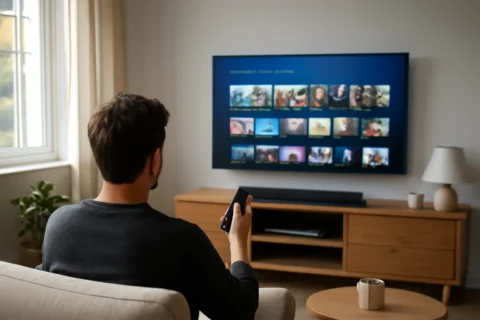
How Internet TV Delivers 4K and Catch-Up with M3U and EPG Explained
Learn how internet TV works using M3U playlists, EPG guides, catch-up, 4K quality and codecs in simple terms, perfect for IPTV beginners.

Understanding Internet TV: A Beginner’s Guide
Internet TV, commonly called IPTV, is a way to watch live TV, films and series over your internet connection instead of through traditional aerial or satellite methods. It’s become increasingly popular in the UK and Europe thanks to its flexibility and often better picture quality, including 4K resolution.
But how does internet TV actually work under the hood? This guide explains the key elements you need to know, such as M3U playlists, EPG guides, catch-up services, VOD, codecs, and more. Understanding these will help you get the most out of your viewing experience with a reliable IPTV service like Televo.
M3U Playlists: The Backbone of Internet TV Streaming
M3U playlists are a simple but essential part of internet TV. Think of an M3U playlist as a digital list that tells your IPTV player where to find video channels and streams online. Each entry in the playlist points to a specific channel’s stream URL.
When you load an M3U playlist into your IPTV app on devices like a Fire TV Stick or Smart TV, the app reads this list and displays the channels ready to watch. The playlist can be updated regularly by your IPTV provider to add or remove channels and keep everything up to date.
What Are Xtream Codes and How Do They Work?
Xtream Codes is a certain type of IPTV access system used by some providers. Instead of just an M3U file, it uses a username, password, and server URL to connect you to the IPTV service. Your IPTV player can then retrieve the channel list and guide data automatically.
This system is handy because it simplifies updates and channel management. If you have the credentials from your IPTV provider, you simply enter them into your IPTV app, and it handles the rest.
EPG: Your TV Guide for Internet Channels
EPG stands for Electronic Programme Guide. It’s the on-screen TV guide that tells you what’s airing now and upcoming on all channels. With IPTV, EPG data is delivered alongside your streams, often covering a full 7-day schedule.
Having a detailed EPG means you can easily browse programmes and plan your viewing without needing to guess what’s on. It also supports features like catch-up, letting you watch shows you missed.
Catch-Up TV and VOD: Watching Shows On Your Schedule
One major advantage of internet TV is catch-up and video on demand (VOD). Catch-up TV allows you to watch recent programmes after they’ve aired live, usually up to 7 days. VOD lets you stream films and series whenever you want, similar to services like Netflix.
These features mean you’re not tied to broadcast schedules. Thanks to IPTV providers like Televo, you get access to both live content and a library of on-demand titles that work seamlessly across your devices.
4K Streaming and Codecs: Crystal Clear Picture Quality
Many internet TV services now offer 4K resolution streams, providing four times the detail of Full HD. To deliver such high-quality video smoothly, IPTV uses video compression technologies called codecs.
Popular codecs include H.264 and the newer H.265 (also known as HEVC). These reduce the size of video data so it can stream without buffering, even at high resolutions like 4K. Your device and IPTV app must support these codecs to play high-quality streams correctly.
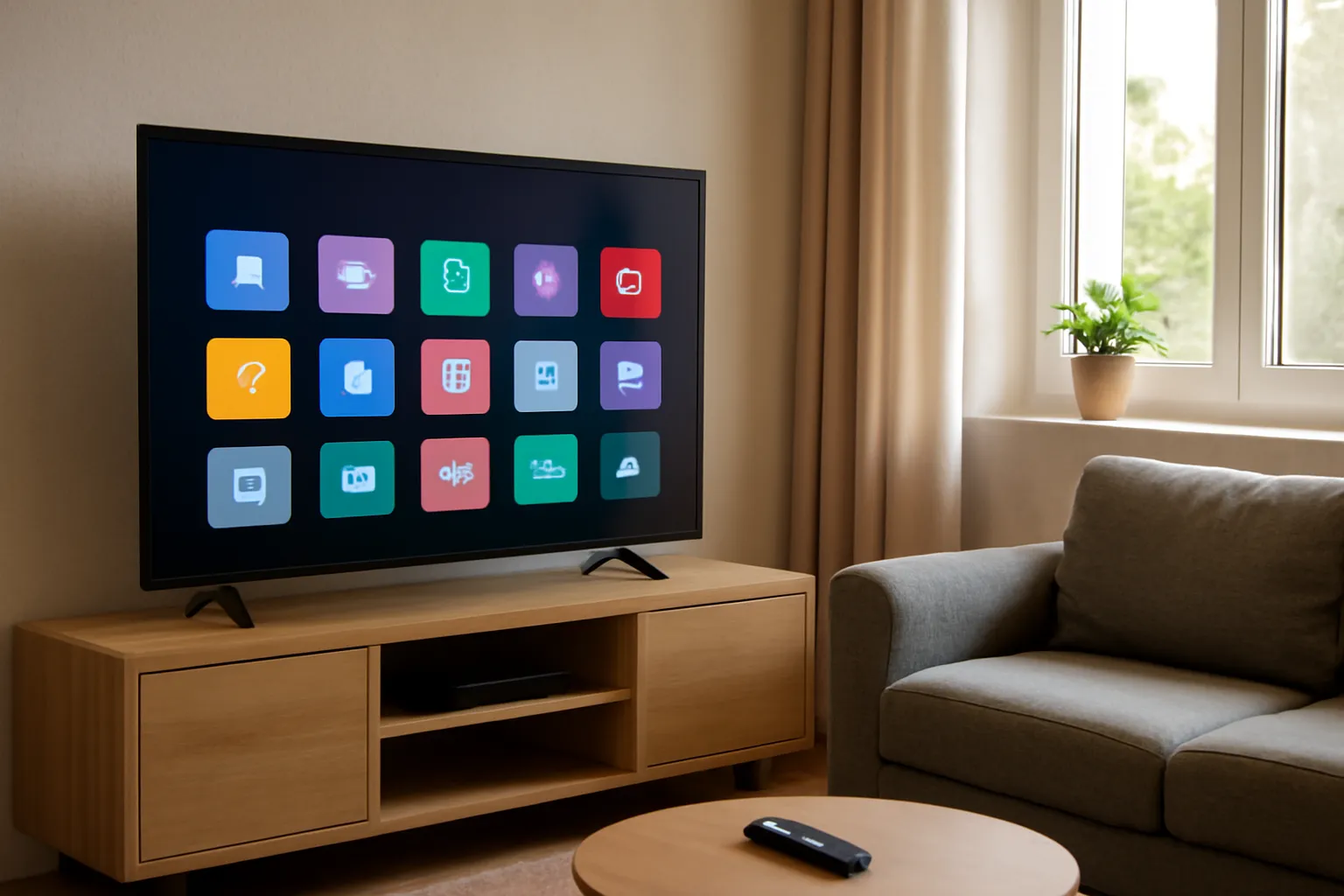
How to Set Up Internet TV on Your Devices
Setting up internet TV is straightforward and usually takes under five minutes. Providers like Televo offer quick activation with no complicated steps.
- Choose your IPTV app compatible with your device (Fire TV Stick, Android TV box, Smart TV, phones, tablets, or computer).
- Enter your M3U playlist URL or Xtream Codes credentials provided by your IPTV service.
- Load the channel list and EPG; the app will display live channels, catch-up, and VOD options.
- Start watching your favourite shows in Full HD or 4K with anti-buffering streaming for smooth playback.
If you want a hassle-free experience with fast setup and excellent support, try a reliable IPTV service like Televo.
Why Choose a Service with Full EPG and Catch-Up?
Not all IPTV providers offer comprehensive EPG or catch-up. These features greatly enhance your experience by making it easy to find programmes and watch missed content. A full 7-day EPG means you can plan your week of viewing, just like traditional TV guides.
Catch-up services add huge flexibility, especially if you have a busy schedule or prefer streaming shows at your own pace. When combined with high-quality streams in 4K, this creates a truly modern TV experience.
Summary: Key Terms to Remember
- M3U playlist: A list of streaming URLs for your IPTV channels.
- Xtream Codes: A login system to access IPTV streams and guides.
- EPG: The TV guide showing programmes and schedules.
- Catch-up: Ability to watch shows after they’ve aired live.
- VOD: Video on demand, streaming films and series anytime.
- 4K: Ultra-high definition picture quality.
- Codecs: Video compression tech that enables smooth streaming.
FAQ
What devices can I use to watch internet TV?
You can watch internet TV on many devices including Fire TV Stick, Android TV boxes, smart TVs like Samsung or LG, Sky Glass, mobile phones, tablets and computers.
Do I need a special app to watch IPTV?
Yes, you need an IPTV player app that can load M3U playlists or Xtream Codes. Popular apps are available on most platforms and some IPTV providers also recommend apps for easy setup.
Can I watch internet TV in 4K quality?
Yes, many IPTV services offer 4K streaming. Your device must support 4K and the right codecs for the best picture. Services like Televo provide a range of 4K channels and films.
Ready for better TV?
Thousands of channels, live sport, films and series on every device, with quick setup and friendly support. Try Televo, the IPTV service we recommend.