IPTV Player Apps for UK Viewers: Which One Suits You Best?
Discover the best IPTV player apps for UK viewers. Compare TiviMate, IPTV Smarters, GSE, OTT Navigator, VLC and Kodi for ease, features and compatibility.
Introduction to IPTV Player Apps
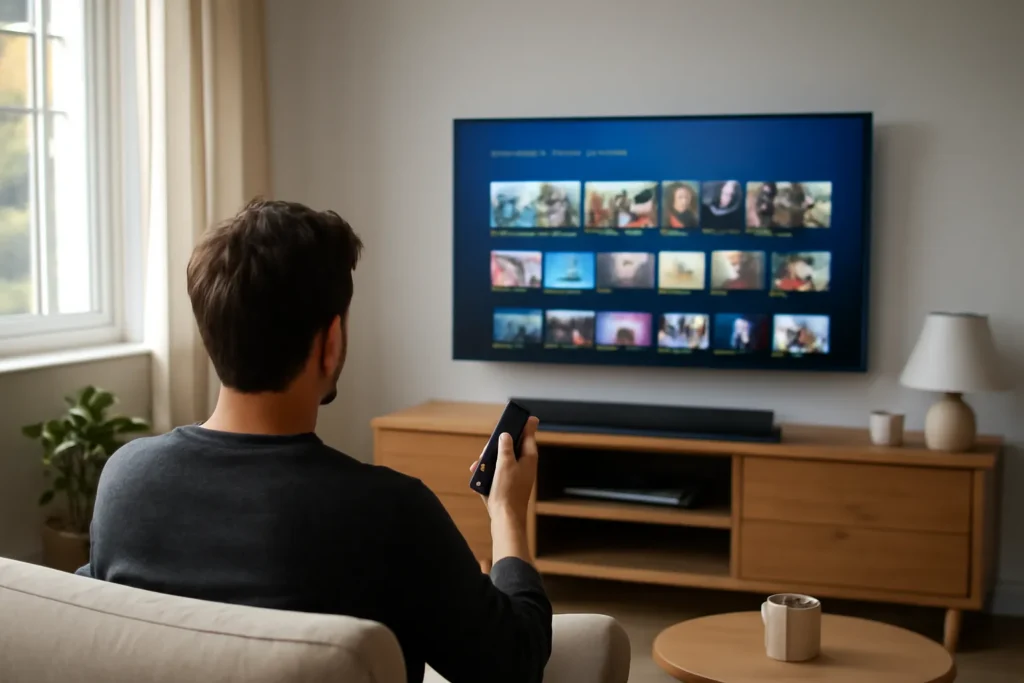
Choosing the right IPTV player app can make all the difference to your viewing experience. These apps act as the gateway between your IPTV service and your TV, phone or computer. With so many options available, it’s important to pick one that matches your needs, devices and comfort level.
In this guide, we’ll look at six popular IPTV player apps: TiviMate, IPTV Smarters, GSE IPTV, OTT Navigator, VLC and Kodi. We’ll explore their strengths, weaknesses and which types of users they suit best, so you can decide confidently.
TiviMate: Best for Fire TV and Android TV
TiviMate is a favourite among Fire TV Stick and Android TV users because of its sleek interface and ease of use. It supports multiple playlists and catch-up, which is handy for busy households.
Setting it up is straightforward, though it’s designed specifically for larger screens, so it’s less suited for mobiles or tablets. TiviMate offers a free version with basic features and a premium upgrade for extras like a detailed EPG (TV guide) and scheduled recordings.
This app is ideal if you want a dedicated IPTV player focused on TV boxes and sticks, with strong support for UK and international channels.
IPTV Smarters: Versatile and User-Friendly
IPTV Smarters is known for its versatility. It works well on smart TVs, mobiles, tablets and computers, making it a great all-rounder. It supports live TV, VOD, catch-up and external players, giving users plenty of options.
The interface is intuitive and easy to navigate, suitable for beginners and experienced users alike. It also supports parental controls and multiple user profiles, which can be useful for families.
This app pairs nicely with a reliable IPTV service like Televo, thanks to its smooth streaming and support for a diverse set of channels.
GSE IPTV: Feature-Rich but Complex
GSE IPTV is one of the most feature-packed IPTV players, available on iOS, Android and Apple TV. It supports formats like M3U playlists, JSON playlists, and has advanced options for customisation and external players.
However, the abundance of features can be overwhelming for new users. The interface is not as polished as some rivals, but it’s highly customisable, making it popular among tech-savvy viewers.
If you want granular control over your IPTV setup and are comfortable exploring settings, GSE IPTV is worth considering.
OTT Navigator: Best for Advanced Users and Customisation
OTT Navigator is a powerful IPTV player with a strong focus on customisation and advanced features. It offers detailed EPG integration, catch-up, and support for multiple playlists and user profiles.
The interface is functional but not geared towards casual users. It suits those who want to organise large IPTV libraries and customise their viewing experience extensively.
While OTT Navigator is available on Android devices, it requires some patience to set up and master. For those who enjoy tweaking settings and managing multiple IPTV sources, this app is a solid choice.

VLC Media Player: Universal But Basic IPTV Support
VLC is a widely known media player available on almost every platform. While it supports IPTV through M3U playlists, its IPTV features are basic compared to dedicated players.
VLC does not offer an integrated EPG or catch-up, and user experience relies on manual playlist management. It’s a good option if you want a simple, reliable player for occasional IPTV streaming and already have VLC installed.
For regular IPTV viewing with features like channel guides and catch-up, dedicated apps may be a better fit.
Kodi: Highly Customisable Media Centre
Kodi is a powerful media centre app that supports IPTV through various add-ons. It offers extensive customisation, including skins and plugins to enhance your IPTV experience.
Setting up IPTV on Kodi requires installing the right add-ons and configuring playlists, which can be daunting for beginners. However, Kodi offers excellent flexibility and can integrate IPTV with other media sources like local files and streaming services.
This makes it ideal for users who want a comprehensive media hub beyond just IPTV playback.
Which IPTV Player Should UK Viewers Choose?
- Fire TV or Android TV users will find TiviMate or IPTV Smarters particularly user-friendly and optimised for large screens.
- Mobile and tablet users may prefer IPTV Smarters or GSE IPTV for their versatility.
- Advanced users wanting customisation and detailed control might prefer OTT Navigator or Kodi.
- Users seeking simplicity and already using VLC for video playback can try it for IPTV, but dedicated apps provide richer features.
Always combine your chosen IPTV player with a reliable IPTV service like Televo that offers stable streaming, a full EPG and catch-up to get the best experience.
How to Improve Your IPTV Player Experience
- Keep your apps updated. Developers regularly release updates to fix bugs and improve performance.
- Use a strong internet connection with sufficient bandwidth to avoid buffering and playback issues.
- Utilise catch-up and EPG features to never miss your favourite programmes.
- Configure parental controls if children use the device to manage content access.
- Check compatibility with your device to ensure smooth playback and UI performance.
FAQ
What is the easiest IPTV player app for beginners?
IPTV Smarters is often recommended for beginners due to its simple interface, multi-device support and easy setup.
Can I use the same IPTV player on multiple devices?
Many IPTV players like IPTV Smarters and GSE IPTV support multiple devices, but you may need to enter your IPTV service details on each device individually.
Does choosing a popular IPTV player guarantee good streaming quality?
Not necessarily. Streaming quality depends heavily on your IPTV service provider’s stability and your internet connection, as well as the player app.
Ready for better TV?
Thousands of channels, live sport, films and series on every device, with quick setup and friendly support. Try Televo, the IPTV service we recommend.