The best IPTV player apps, compared
TiviMate, IPTV Smarters Pro, Kodi, VLC, GSE Smart IPTV and Smart IPTV compared: which devices they run on, what they cost and who each one suits.
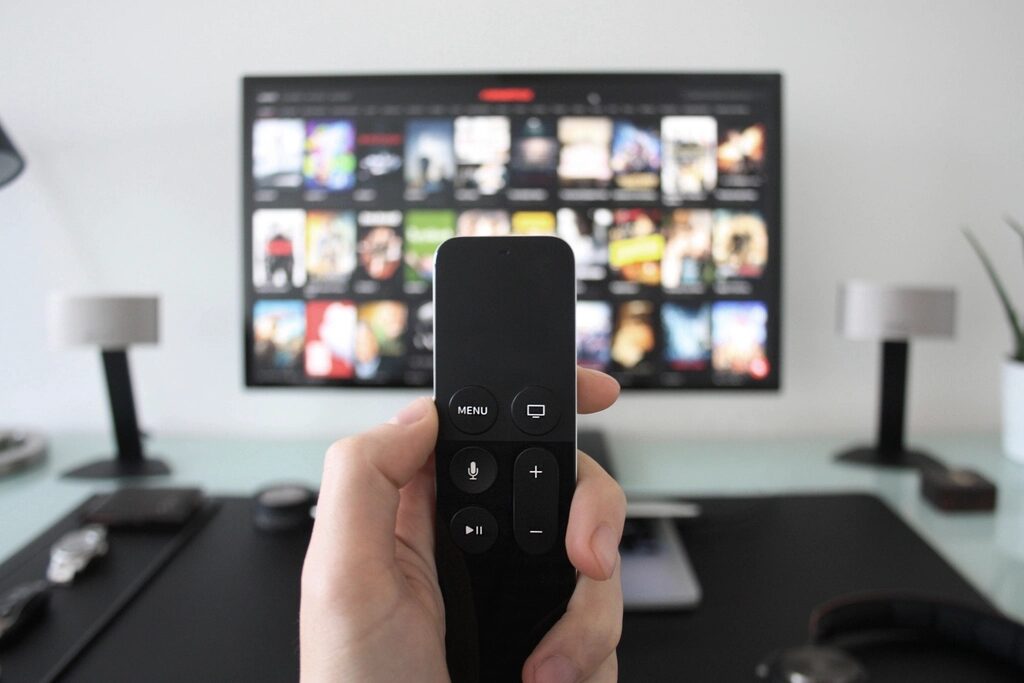
If your IPTV provider gives you a playlist link or an Xtream Codes login instead of its own app, you need a player app to watch. The app makes a bigger difference than most people expect: the same channels can feel like a premium cable box or a clumsy spreadsheet depending on what you play them in.
None of the apps below include any channels. They play what your provider gives you, and they are all legal to use.
Quick comparison
| App | Runs on | Cost | Best for |
|---|---|---|---|
| TiviMate | Android TV, Fire TV, Android boxes | Free basic; paid premium | A cable-box style guide on the TV |
| IPTV Smarters Pro | Android, Fire TV, iPhone, iPad, some smart TVs | Free; paid extras on some platforms | Mixed live TV, films and series |
| Kodi + PVR IPTV Simple Client | Windows, Mac, Linux, Android, Fire TV, Raspberry Pi | Free, open source | Tinkerers who want full control |
| VLC | Almost everything | Free, open source | Testing a playlist quickly |
| GSE Smart IPTV | iPhone, iPad, Apple TV, Android | Free with paid options | Apple devices |
| Smart IPTV / SS IPTV | Samsung and LG smart TVs (availability varies by country) | Smart IPTV: one-off activation fee; SS IPTV: free | Watching without an extra device |
Prices and features change. Check each app’s official website or store listing for the current price before paying, and be wary of “lifetime premium” offers sold by anyone other than the developer.
TiviMate
TiviMate is the app most people end up on if they watch on Android TV or a Fire TV Stick. Its guide is laid out like a satellite box: channels down the side, time across the top, and you can zap through without leaving the picture.
Good: fast, polished guide; favourites and channel groups; recording and catch-up in the premium version; handles large playlists without slowing down.
Less good: Android-based devices only, so no iPhone, Apple TV, Samsung or LG; many of the features you’ll want need the paid upgrade.
IPTV Smarters Pro
Smarters is the all-rounder. It accepts both M3U links and Xtream Codes logins and splits your provider’s content into live TV, films and series, each with posters and descriptions where the provider supplies them.
Good: runs on more devices than any other app here; simple to set up; good for on-demand libraries.
Less good: the live TV guide is plainer than TiviMate’s; several unofficial copies circulate, so install only from your device’s app store or the developer’s site.
Kodi with PVR IPTV Simple Client
Kodi is a free media centre maintained by a non-profit foundation. On its own it doesn’t play IPTV playlists; you add the official PVR IPTV Simple Client add-on from Kodi’s own repository and point it at your M3U and guide links.
Good: free with no upsell; runs almost anywhere, including a Raspberry Pi; completely customisable.
Less good: setup takes longer and the menus are deep. Kodi’s reputation has also suffered from third-party add-ons that stream pirated content. Those add-ons are nothing to do with the Kodi Foundation, and you don’t need them.
VLC
VLC opens an M3U link like any other video file. There is no proper TV guide and switching channels means going back to the list, so it isn’t a daily player. It is, however, the quickest way to check whether a playlist works: if a channel plays in VLC on your computer but not on your TV, the problem is the TV app or the TV’s connection, not the provider.
GSE Smart IPTV
On Apple devices the choice is narrower, because Apple’s App Store doesn’t allow sideloading. GSE Smart IPTV is one of the long-standing options and supports M3U playlists, Xtream Codes and XMLTV guides. Other Apple-friendly players include iPlayTV and IPTVX; try the free tiers before paying.
Smart IPTV and SS IPTV on Samsung and LG
If you’d rather not plug in a stick, these apps run directly on Samsung (Tizen) and LG (webOS) TVs. Both let you send your playlist from their website to your TV, using a code or your TV’s MAC address, so you don’t have to type it on the remote. They are noticeably more basic than TiviMate and depend on your TV maker keeping them in its store, so a £30–£50 streaming stick is often the better long-term option.
Which one should you pick?
- Fire TV or Android TV, mainly live channels: TiviMate.
- Several different devices, or lots of films and series: IPTV Smarters Pro.
- iPhone, iPad or Apple TV: GSE Smart IPTV, or try iPlayTV and IPTVX.
- Samsung or LG TV with nothing plugged in: Smart IPTV or SS IPTV.
- Computer, Raspberry Pi or you like to tinker: Kodi.
Ready to install? Follow the Fire TV Stick setup guide.